Managing Payment Method
The Account Admin Portal allows you to securely store payment methods for future use.
Add a Payment Method
Log into the Account Admin Portal. Instructions on how to do this can be found here:
Accessing the Admin Account PortalOnce at the Account Admin Portal Dashboard, select the 'Payment Methods' module.
Enter or update your saved payment method.
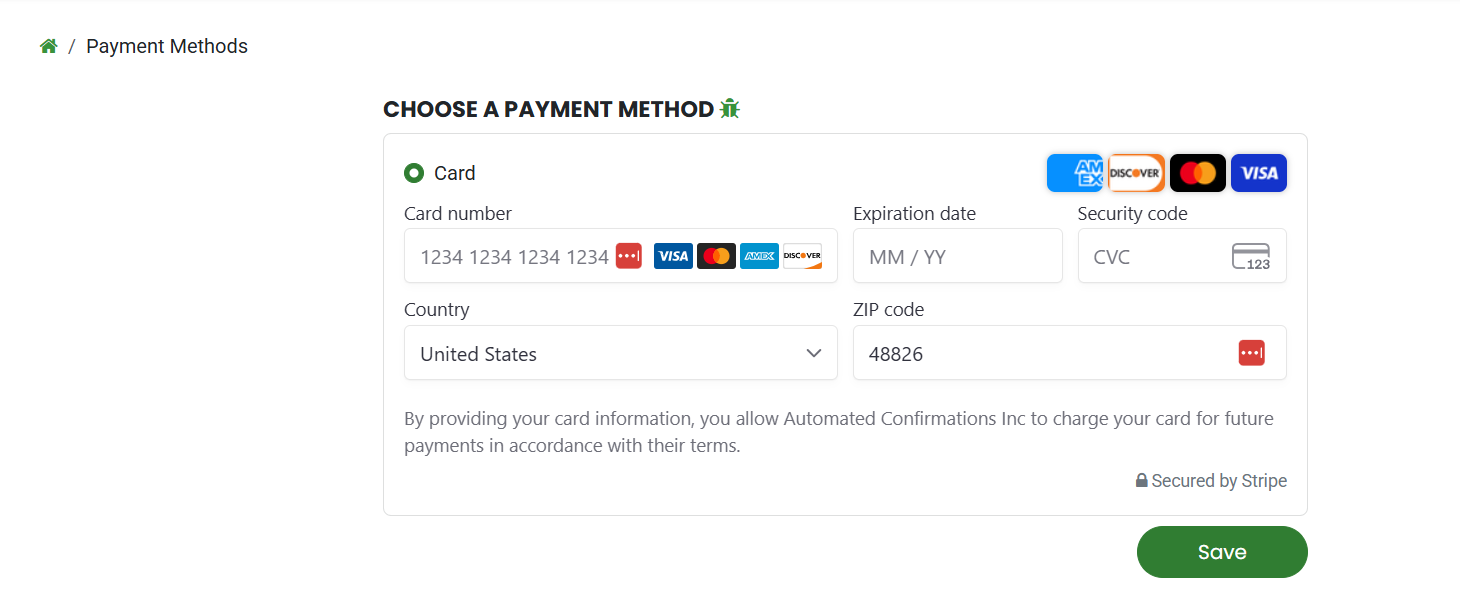
Save the payment method.
Your payment information is securely processed and stored through Stripe.
Saved payment methods can be used when paying invoices online.