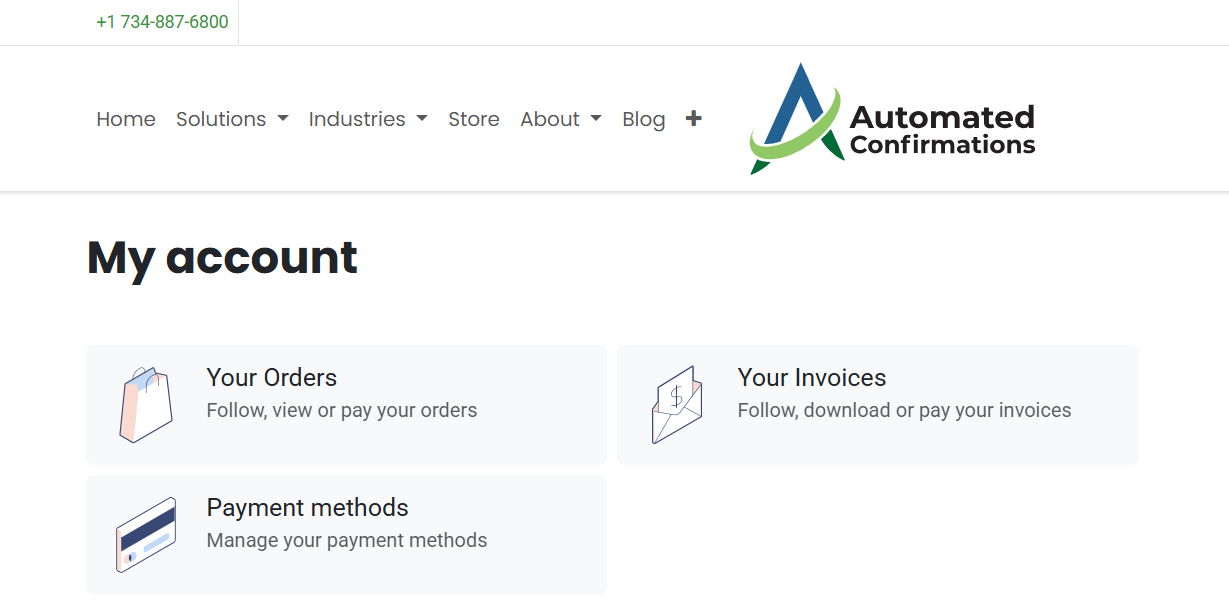
Accessing the Admin Portal
The following article will explain how to access the Admin Portal on the ACi website. The Admin Portal is used for the following purposes:
- View orders
- View invoices
- Pay outstanding balances
- Manage your account information
- Update payment methods
- From the homepage, click on the Order/Pay button or the 'Sign In' button in the upper-right corner of the screen.
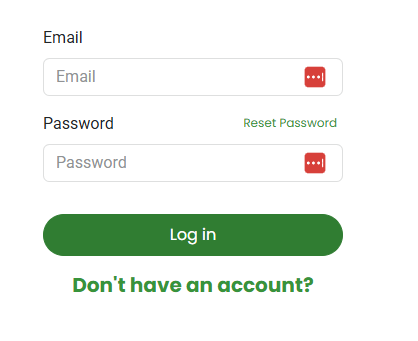
- Enter your email address and password and click 'Log In'
- Upon successfully logging in, you will arrive at your Admin Portal Dashboard.