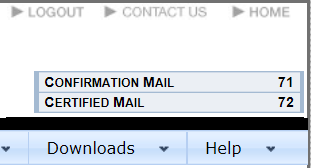
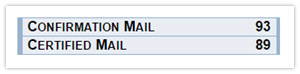
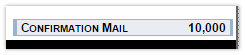
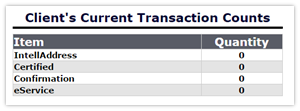
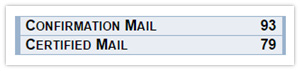
Transactions are electronic vouchers that are purchased by customers and consumed when addressing mail pieces. Transactions are specific to mail type, specifically "Confirmation Mail" and "Certified Mail." A counter showing the available transactions by type is located near the top right corner of the screen. Transaction types will only be shown in this counter if the number of remaining transactions is greater than zero.
|
No transactions are displayed if none are available
 |
Before processing mail, the appropriate transactions must be available.
- Confirmation Mail: transactions that are needed to process parcel classes
- Certified Mail: transactions that are needed for any mail piece using a Certified mail envelope
|
|
If the account requires additional transactions, contact your service provider.
|
|
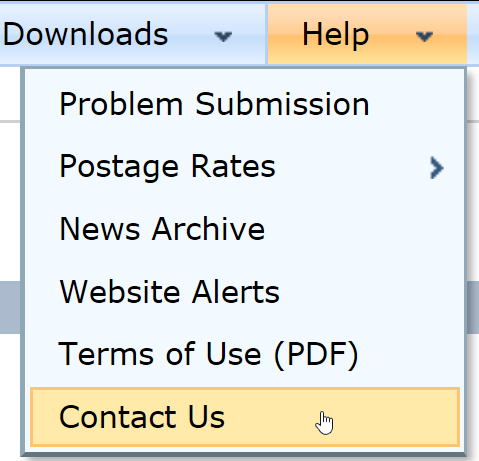
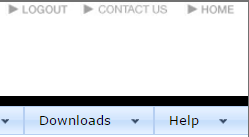
If you do not know who your provider is, please refer to the "Contact Us" link in the "Help" menu.
|
|
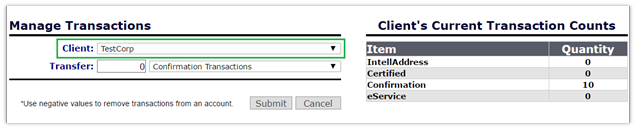
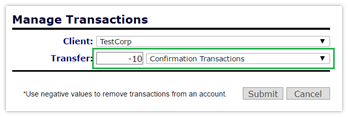
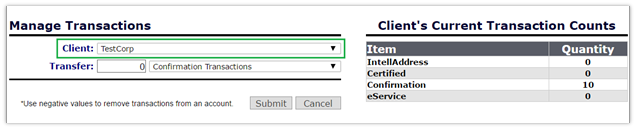
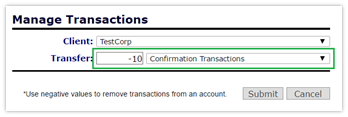
Once transactions are received from a provider, they need to be distributed amongst client and user accounts. Both the adding and removing of transactions are handled through the Transaction Management page.
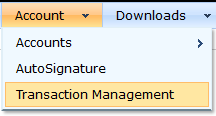
- Hover over the "Account" tab on the tool bar, which will open a drop-down menu.
- In the drop-down menu, select the "Transaction Management button.
| |